
Platform
Solutions
Resources
A university professor uploads the same lecture to five different platforms every week, manually adjusting video quality for each one while students complain about broken links. A church media director drowns in years of unorganized sermons, unable to launch a streaming service that actually reaches the congregation. A content producer spends more time troubleshooting video upload and metadata issues than developing the actual content.
The explosion of video-first learning has created an urgent need for systems that handle the complete lifecycle of educational media—from recording through distribution, analytics, and storage. Educational media content management systems solve this by providing centralized platforms that automate video processing, enable seamless multi-channel distribution, and offer robust engagement analytics.
Unlike generic video hosting services, these specialized platforms understand educational environments: accessibility compliance, learning management system integration, detailed viewer analytics, and curriculum-aligned content organization. The right system transforms chaotic workflows into streamlined operations that enhance learning outcomes while saving educators hours of manual work.
Here are the leading platforms that educational organizations trust to manage their video content effectively.
Best for: Educational institutions, faith organizations, and anyone making content, needing an all-in-one streaming platform with rapid deployment and 100% revenue retention.
Lightcast is a comprehensive OTT platform that centralizes video content management while enabling distribution across every major streaming device and monetization without unfair social media and distribution platform's revenue "sharing".
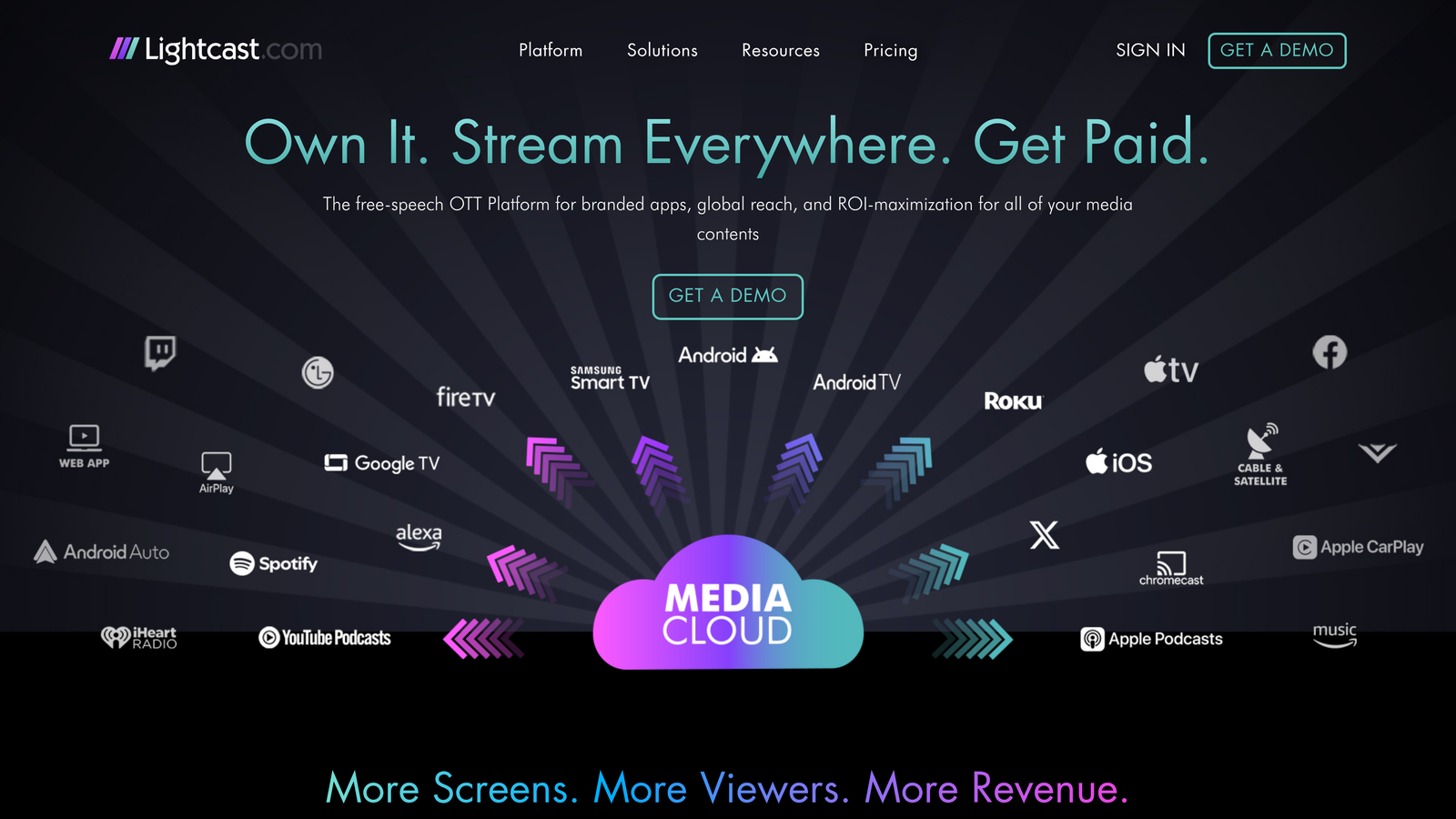
Lightcast solves the fragmentation problem that plagues educational media distribution. Instead of managing separate uploads to Roku, Apple TV, Fire TV, and mobile platforms, the Media Cloud CMS handles everything from a single dashboard. Upload once, and your content automatically appears across all platforms with proper formatting and optimization.
The platform's speed stands out in a market where app launches typically take months. Lightcast can have your branded streaming apps live across major platforms in as little as 5 days, eliminating the technical complexity and waiting periods that often delay digital content initiatives. This rapid deployment matters when institutions need to respond quickly to changing educational delivery models or launch new content programs.
Media Cloud CMS: Centralized content management with automated scheduling, transcoding, and thumbnail generation that eliminates manual processing work.
Multi-Platform Distribution: Automatic publishing to Roku, Apple TV, Fire TV, Android TV, iOS, and Android with branded apps that maintain institutional identity.
Full Monetization Control: Integrated AVOD, SVOD, and TVOD models with 100% earnings retention, unlike platforms that take unfair revenue shares, leaving producers with pennies on the dollar.
Ultra-Fast CDN: Multi-layered content delivery network ensuring smooth playback regardless of viewer location or device.
Rapid Deployment: Apps can launch in as little as 5 days, dramatically faster than typical development timelines.
Lightcast serves universities and educational institutions looking to extend their reach beyond traditional learning management systems. Churches and faith organizations find particular value in the platform's ability to distribute sermons and religious content while maintaining complete control over monetization.
Broadcast stations and content creators appreciate the revenue retention model that lets them keep the vast majority of their earnings from subscriptions or advertising.
Lightcast offers custom pricing based on storage requirements, bandwidth usage, and feature needs, with packages designed for institutional clients seeking predictable costs and scalable infrastructure. Lightcast is also the most transparent as it relates to pricing. Others charge per viewer, concurrent view, or other grey metrics that are hard to budget for and follow. Lightcast breaks that mold allowing proper expectation setting around pricing and cost to scale.
Best for: Large educational institutions with robust broadcast staff requiring enterprise-scale video management with extensive customization and integration options.
Kaltura delivers a comprehensive video platform that powers educational content management for universities, school districts, and corporate learning environments worldwide.
Kaltura's strength lies in its ability to handle massive-scale video operations while maintaining the flexibility needed for diverse educational environments. The platform supports everything from simple lecture capture to complex interactive learning experiences, with robust APIs that allow deep integration with existing educational technology stacks.
Its MediaSpace portal provides students and faculty with an intuitive interface for discovering, sharing, and collaborating around video content. The platform's Agentic AI capabilities, including the Publishing Agent for end-to-end content production and Work Genie for organizational knowledge management, set it apart in automating complex video workflows that traditionally required significant manual effort.
Enterprise-Grade Infrastructure: Supports millions of users and petabytes of content with deployment flexibility across cloud and on-premise environments.
Interactive Learning Tools: Advanced video editing with in-video quizzing, chaptering, and engagement features that transform passive viewing into active learning experiences.
AI-Powered Automation: Publishing Agent handles end-to-end content production workflows, while Work Genie manages organizational knowledge across video libraries.
Comprehensive Analytics: Institutional reporting and individual learner insights provide visibility into content effectiveness and engagement patterns.
Multi-Platform Distribution: Content syndication and publishing workflows enable seamless distribution across marketing, learning, and communication channels.
Lecture Capture Integration: Automated integration with classroom recording systems eliminates technical barriers for faculty.
Mobile Excellence: Native iOS and Android applications with offline viewing capabilities ensure students can access content anywhere.
Kaltura serves large universities, school districts, and enterprise training organizations who have large broadcast and media staff, which need industrial-strength video infrastructure with the ability to customize workflows and integrate with complex technology environments.
It's ideal for institutions with dedicated IT teams capable of leveraging the platform's extensive API capabilities and managing sophisticated deployment architectures. Organizations requiring both educational and media/telecom solutions benefit from Kaltura's comprehensive suite that spans multiple use cases.
The platform works best for institutions managing significant video content volumes where automation and AI-powered features can deliver substantial operational efficiencies.
Kaltura uses custom enterprise pricing models based on usage, features, and deployment requirements, typically involving annual contracts for institutional clients.
Best for: Educational institutions focused on lecture capture and classroom recording with seamless integration into existing learning workflows.
Panopto is an on-demand video platform that enables organizations to capture, share, and manage institutional knowledge across teams and campuses using AI-powered tools.
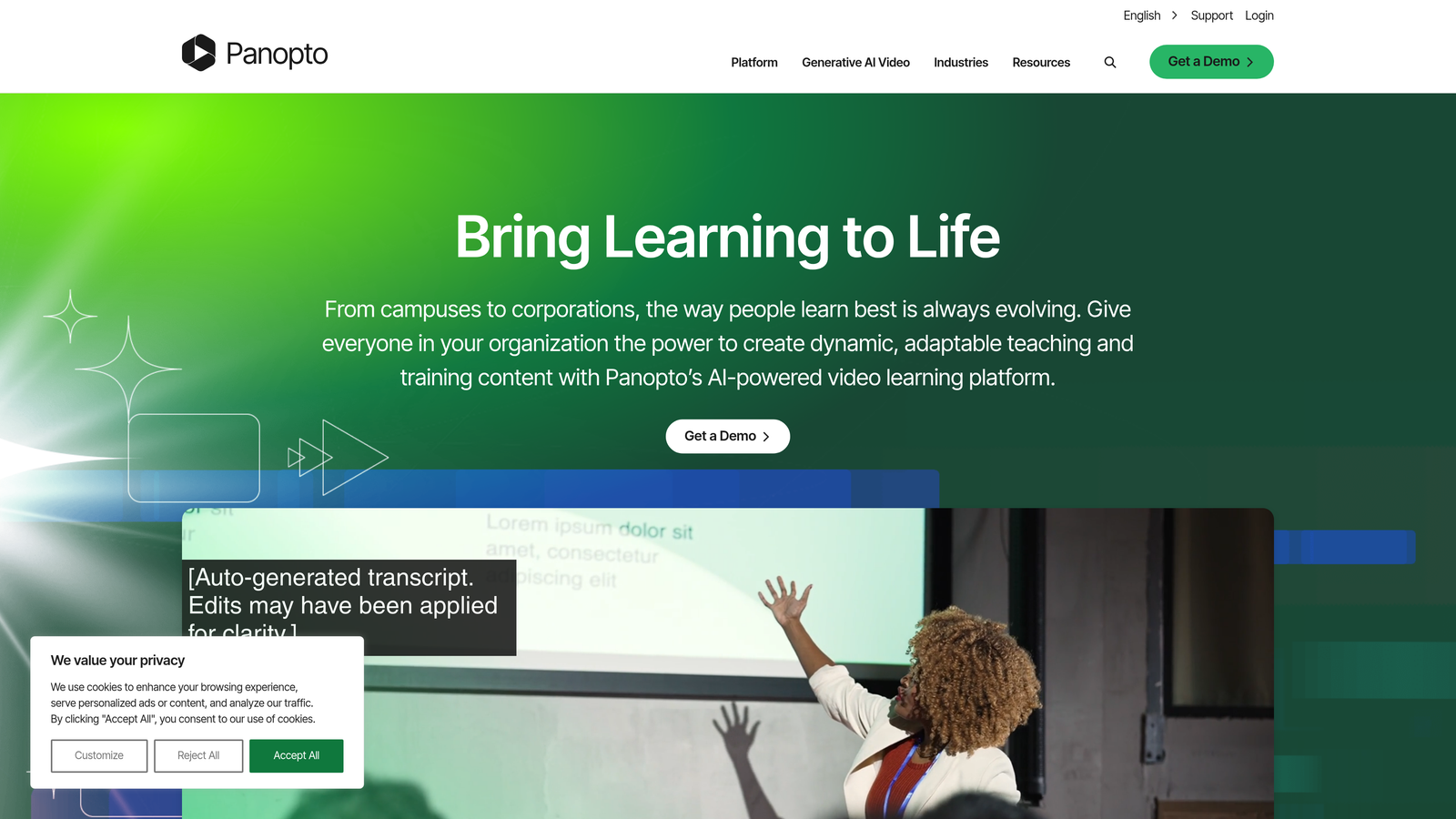
Panopto's automated lecture capture technology sets it apart by requiring minimal technical expertise from educators while delivering professional-quality recordings. Faculty can start recording with just a few clicks, and the system automatically handles camera switching, screen capture, and audio synchronization—eliminating the technical complexity that often prevents educators from embracing video.
The platform's AI-powered smart search functionality transforms how students interact with long-form educational content. Instead of scrubbing through hour-long lectures to find specific topics, students can search for keywords within video transcripts and jump directly to relevant moments. This capability makes recorded lectures genuinely useful study tools rather than passive content students rarely revisit.
Automated Multi-Source Recording: Simultaneously captures multiple video sources, screen content, and audio without manual switching or technical setup.
AI-Powered Video Search: Panopto Access AI enables students to search spoken words within video transcripts and navigate directly to specific topics or concepts.
Integrated Editing Tools: Basic post-production capabilities allow educators to trim content, add captions, and make simple adjustments without external software.
Mobile Creation and Viewing: Native iOS and Android apps support both content creation on smartphones and tablets and seamless viewing across devices.
Engagement Analytics: Detailed viewer data shows which lecture segments students watch repeatedly, where they drop off, and how engagement patterns correlate with learning outcomes.
Panopto works exceptionally well for universities and schools prioritizing lecture capture and classroom recording, particularly those with faculty who prefer simple, automated solutions over complex video production workflows. The platform serves institutions wanting to digitize traditional classroom experiences without requiring faculty to become video production experts.
It's particularly valuable for institutions with large faculty populations where technical skill levels vary significantly, and for organizations that need to scale video adoption quickly across multiple departments without extensive training programs.
Panopto offers tiered pricing based on the number of users and storage requirements, with options for both cloud-hosted and on-premise deployments to meet different institutional security and infrastructure preferences.
Best for: Educational organizations needing professional video hosting with strong branding control and advanced privacy features.
Vimeo provides educational institutions with a polished video platform that maintains brand consistency while offering the security and control features necessary for educational content management.
Vimeo Enterprise excels at delivering high-quality video experiences that reflect an institution's brand identity. The platform's customizable video players can match institutional colors, logos, and design standards, creating a cohesive visual experience across all educational content.
The platform's advanced privacy controls allow institutions to restrict content access by domain, password, or specific user lists. This granular control makes it particularly valuable for institutions managing sensitive educational materials, proprietary training content, or premium course offerings that require controlled distribution.
Customizable Video Players: Match institutional branding with custom colors, logos, and player controls that integrate seamlessly with existing websites and learning portals.
Advanced Privacy Settings: Control content access through password protection, domain restrictions, and user-specific permissions that meet institutional security requirements.
Adaptive Streaming Technology: Automatically adjusts video quality based on viewer bandwidth, ensuring smooth playback across different network conditions and devices.
Team Collaboration Tools: Enable content review workflows with commenting, version control, and approval processes that support institutional content governance.
Detailed Analytics Dashboard: Track viewer engagement, geographic distribution, and completion rates to understand how audiences interact with educational content.
Vimeo Enterprise serves educational institutions that prioritize brand presentation and video quality in their content strategy. It's particularly well-suited for marketing and communications teams creating promotional materials, alumni engagement content, or public-facing educational resources.
The platform works exceptionally well for institutions with dedicated media production teams who value creative control and professional presentation. Organizations creating premium educational experiences, executive education programs, or continuing education content will appreciate the platform's focus on quality and brand consistency.
Vimeo Enterprise uses custom pricing based on storage requirements, bandwidth usage, and specific feature needs, with annual contracts typical for educational institutions requiring enterprise-level support and service agreements. A key note, Vimeo's pricing is usually much higher than competitors such as Lightcast and Panopto, so it's important to be aware heading into a negotiation.
Best for: Educational institutions requiring enterprise-grade video infrastructure with global content delivery and advanced security features.
Brightcove is a secure and scalable streaming platform that empowers organizations to host, share, and monetize video content with enterprise-grade reliability.
Brightcove's global content delivery network stands out for institutions serving geographically dispersed student populations. When your university has campuses across multiple countries or your distance learning program reaches students worldwide, video loading speed becomes critical to learning outcomes. The platform automatically routes content through the nearest server location, ensuring consistent playback quality whether students are accessing lectures from New York, Tokyo, or São Paulo.
The platform's enterprise security architecture addresses the complex compliance requirements educational institutions face. With built-in DRM protection, granular access controls, and certifications for major security standards, Brightcove handles sensitive educational content—from proprietary research presentations to student-created projects requiring privacy protection—with the same rigor large enterprises demand for their confidential materials.
Global CDN Infrastructure: Optimizes video delivery across continents with automatic routing to nearest server locations.
Enterprise Security Suite: Includes DRM protection, SSO integration, and access controls meeting institutional compliance requirements.
Live Streaming at Scale: Supports large-scale educational events, webinars, and real-time lectures with reliable infrastructure.
Advanced Analytics Platform: Provides detailed engagement metrics, viewer behavior patterns, and institutional usage insights.
API-First Architecture: Enables custom integrations with learning management systems, student information systems, and institutional workflows.
Mobile Development SDKs: Allows institutions to build custom educational applications with native video capabilities.
Automated Transcoding: Converts uploaded content into multiple formats optimized for different devices and bandwidth conditions.
Brightcove serves large educational institutions, corporate universities, and training organizations operating at global scale. The platform particularly benefits institutions with international student populations, multiple campus locations, or significant distance learning programs where consistent video performance across diverse geographic regions directly impacts learning outcomes.
Organizations with dedicated IT teams and complex integration requirements will appreciate Brightcove's extensive API capabilities and customization options. The platform works best for institutions viewing video infrastructure as mission-critical and requiring the same reliability standards they apply to other core educational systems.
Brightcove offers custom enterprise pricing based on usage volumes, required features, and support levels, typically involving annual contracts structured for institutional clients.
Best for: Educational institutions seeking flexible video hosting with strong developer tools and customization capabilities.
JW Player is a video technology platform that empowers broadcasters, publishers, and educational institutions to stream, monetize, and optimize video at scale through industry-leading performance and customization options.
JW Player's strength lies in its developer-friendly architecture that allows educational institutions to create highly customized video experiences tailored to their specific learning environments. The platform's flexible APIs enable deep integration with existing learning management systems, student portals, and custom educational applications without forcing institutions into rigid, one-size-fits-all solutions.
The platform's adaptive streaming technology automatically adjusts video quality based on each viewer's network conditions and device capabilities, ensuring consistent playback whether students are accessing content on campus Wi-Fi or mobile networks. This technical sophistication happens behind the scenes, requiring no manual intervention from faculty or IT staff.
Customizable Video Player: Extensive branding and interface customization options allow institutions to create video experiences that match their visual identity and user experience standards.
Comprehensive Analytics Dashboard: Detailed viewer engagement metrics reveal exactly how students interact with video content, including watch time, completion rates, and replay patterns.
Live Streaming Infrastructure: Robust live streaming capabilities support real-time lectures, campus events, and interactive educational sessions with reliable performance.
Content Protection Features: DRM support and granular access controls ensure sensitive educational content remains secure while maintaining appropriate access for authorized users.
Mobile-Optimized Players: Automatically optimized video players deliver consistent experiences across smartphones, tablets, and desktop devices without requiring separate configurations.
Integration APIs: Well-documented APIs enable connections with learning management systems, authentication systems, and custom educational applications.
Automated Video Optimization: Intelligent transcoding automatically converts uploaded videos into multiple formats optimized for different devices and bandwidth conditions.
JW Player works exceptionally well for educational institutions with in-house development teams or technical resources who want to create custom video experiences that integrate seamlessly with their existing digital learning infrastructure. The platform's flexibility makes it particularly valuable for organizations with unique requirements that can't be met by more rigid, out-of-the-box solutions.
It's especially suitable for institutions that prioritize detailed analytics and need to understand exactly how video content impacts learning outcomes, as the platform's comprehensive reporting capabilities provide insights that inform instructional design decisions.
JW Player offers tiered pricing based on video plays, storage requirements, and feature access, with custom enterprise packages available for large educational institutions with specific needs.
Best for: Educational institutions wanting a user-friendly video portal that encourages faculty and student video creation and collaboration.
MediaSpace is an intuitive video portal specifically designed for educational environments, making it easy for faculty and students to create, share, and discover video content within their institutional community.
MediaSpace excels at democratizing video creation within educational institutions by providing tools that make it simple for faculty and students to record, edit, and share video content without requiring technical expertise. The platform's YouTube-like interface feels familiar to users, reducing the learning curve that often prevents educators from embracing video in their teaching.
The social features encourage collaboration and knowledge sharing across departments and courses. Faculty can create channels for their classes, students can submit video assignments directly through the portal, and institutional communities can discover relevant content through intelligent recommendations and search. Integration with learning management systems ensures videos can be easily incorporated into course materials with single sign-on authentication.
User-Friendly Recording Tools: Browser-based recording requiring no software installation or technical setup.
Social Collaboration Features: Comments, likes, and sharing capabilities that build video-rich learning communities.
Channel-Based Organization: Departments and instructors manage their own content spaces within the institutional portal.
Mobile Applications: iOS and Android apps supporting video creation and viewing on smartphones and tablets.
Automated Accessibility: Machine-generated transcripts and captions with editing capabilities for compliance requirements.
Engagement Analytics: Detailed viewing data showing how students interact with video content across the institution.
MediaSpace serves educational institutions that want to encourage widespread video adoption among faculty and students, particularly those prioritizing ease of use over advanced technical features. It's ideal for institutions wanting to build video-rich learning communities where content creation isn't limited to IT departments or media specialists.
The platform works exceptionally well for universities and colleges looking to create a centralized video hub that feels approachable rather than intimidating, making it perfect for institutions with diverse faculty technical skill levels.
MediaSpace pricing is typically bundled with Kaltura's broader platform offerings, with custom pricing based on institutional size, storage requirements, and feature needs.
Choosing the right educational media content management system comes down to matching platform capabilities with your institution's specific workflow needs and technical resources. The platforms covered here each excel in different scenarios, making the selection process less about finding the "best" system and more about identifying the right fit.
For institutions prioritizing rapid deployment and multi-platform distribution without overburdened technical complexity, Lightcast delivers branded streaming apps across all major devices in days rather than months. Organizations with significant technical resources and complex integration requirements will find Kaltura and Brightcove provide enterprise-level infrastructure for large-scale operations. If ease of use and faculty adoption matter most, Panopto's automated lecture capture removes technical barriers that often prevent educators from embracing video.
Budget considerations naturally influence platform selection. Enterprise solutions like Kaltura and Brightcove require substantial investment to deliver the scalability necessary for institutions managing massive content volumes or serving global audiences. Smaller organizations might find better value in focused solutions like Panopto or customizable platforms like JW Player that balance capability with cost.
The most successful implementations start with clarity about current pain points and desired outcomes. Whether you're streamlining lecture capture, launching a streaming service, or building a comprehensive video library, the right platform transforms educational media from a technical burden into a strategic asset that enhances learning outcomes and operational efficiency. Learn more about our services and discover how the right video infrastructure can elevate your educational content delivery.

