
Platform
Solutions
Resources
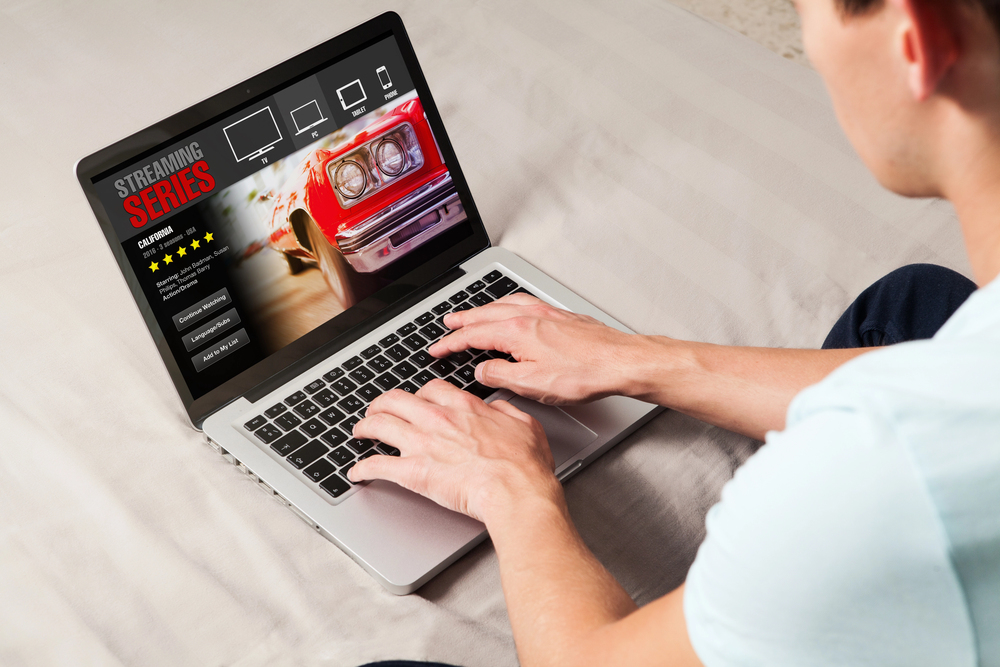
Studies have shown that poor app design contributes to 25% of subscriber losses in the streaming industry, and that means having clear navigation is a must for your OTT platform app. Enhanced navigation helps you keep users and boosts engagement because a personalized and intuitive interface encourages longer viewing sessions, when it's done well.
User satisfaction is hugely influenced by the ease with which your content can be discovered, and the term "navigation" includes everything related to that experience: menus, search functions, and your recommendation system. When an interface is cluttered or unresponsive, viewers are discouraged from exploring further. Research from Nielsen shows that users are willing to spend an average of 10 minutes browsing before selecting something to watch, but if navigation is so poor they can't find anything within that window, they'll bounce.
A well-organized menu is the foundation of effective navigation, so aim for simplicity by limiting top-level categories to essentials like Home, Search, Library, and Profile. The submenus can then expand logically to group the content by genre, popularity, or release date. That way, the user has access to everything without getting overwhelmed.
A good hierarchy reduces the user's cognitive load, and that means they feel less strain as they use your platform. Even better? Make the menus adapt dynamically based on each user's behavior. This will encourage deeper exploration and minimize the time they spend navigating.
Search tools are crucially important, and you need advanced algorithms that can predict as the users type and offer autocomplete suggestions that include popular titles and related terms. Voice search integration should also be made compatible with devices like smart assistants so you offer convenient hands-free operation to those who need it.
To improve the accuracy of search, make sure you're using natural language processing that can understand phrases like "funny movies from the 90s" instead of requiring the user to use precisely the right keyword to find everything.
Personalization turns a generic navigation into a customized journey that can even anticipate a user's preferences. Start by analyzing the viewing history so your algorithm can automatically curate home screens with sections like "Continue Watching" or "Because You Watched." Recommendation engines powered by machine learning can suggest content that matches a user's past interests, too.
OTT apps must be able to deliver a smooth navigation experiences across all kinds of devices if they want to accommodate modern viewing habits. Users often switch from watching something on a smartphone during a commute to finishing up on a larger screen at home, and they expect and demand a uniform experience when they do so.
Responsive design elements will adapt the layout of your app automatically and resize elements instantly for optimal visibility on any screen size. The touch gestures for mobile apps, like swiping to browse, should mirror the remote control buttons on TVs, so it doesn't feel like a totally different experience going from one to the other.
Visit Lightcast.com today for a free demo. We're your one-stop solution for everything you need to monetize your platform, including apps that give your users the best experience.
