Platform
Solutions
Resources
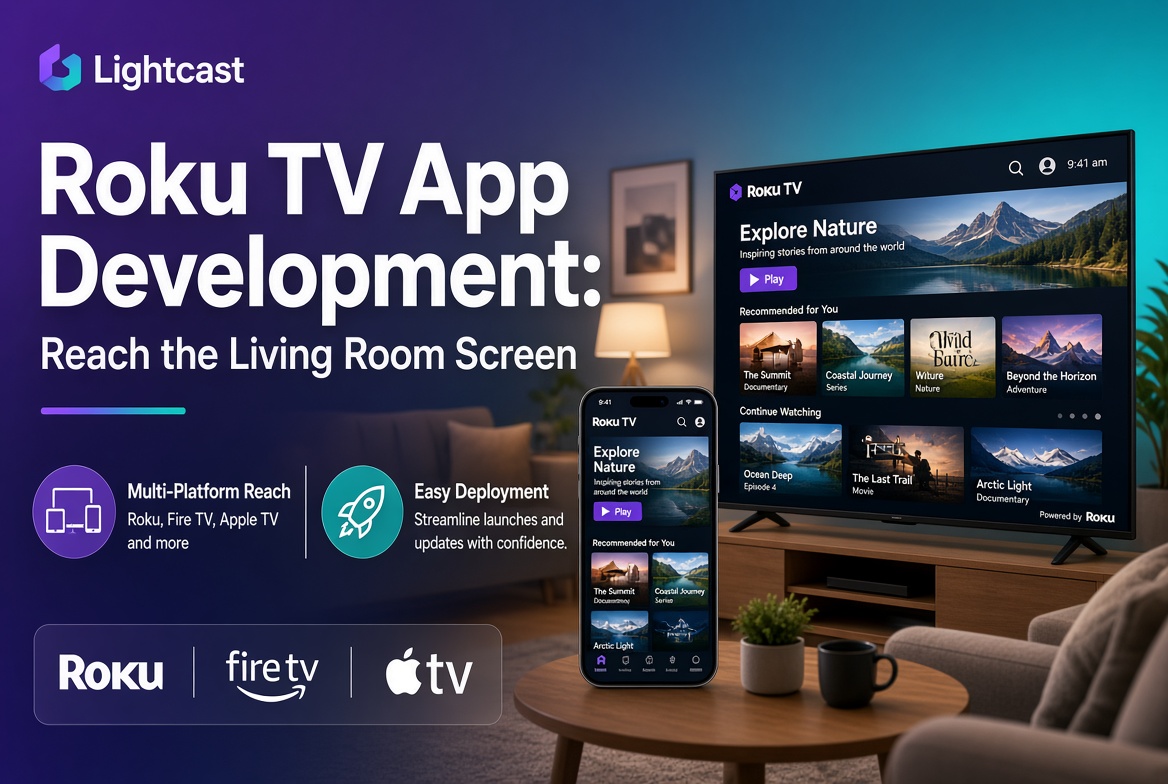
Roku TV app development is the process of building a branded streaming channel for the Roku platform, and there are two paths to it: code a custom app with Roku's developer SDK, or launch one on an OTT platform that publishes to Roku for you. Roku is the largest connected-TV platform in the US and passed 100 million active streaming households worldwide in 2026, so a Roku channel is often the single most valuable app a content publisher can own. Lightcast has launched 12,000+ branded apps and publishes to Roku, Fire TV, Apple TV, iOS, Android, and web simultaneously across 70,000+ global CDN nodes, so a Roku channel ships as part of one build rather than a standalone project.
Getting onto Roku is really a question of how, not whether. With 100 million households, the living-room screen is where your audience already is. The decision is whether to build the channel yourself or launch it on a platform, and that choice comes down to time, cost, and who maintains it.
Roku TV app development means creating a channel, Roku's word for an app, that viewers install on their Roku device to watch your content. The channel handles your branding, your content library, playback, and, if you monetize, your subscriptions or ads. Once published and certified, it appears in the Roku Channel Store alongside the major streaming services.
Roku is the anchor of any smart-TV strategy because of its scale, but it is rarely the only app a publisher needs. Fire TV, Apple TV, and mobile matter too, which is why the build path you choose should account for every device, not just Roku. For the wider view, see our pillar on smart TV app development for content publishers.
The custom route uses Roku's own developer tools. You write the channel in BrightScript, Roku's programming language, and build the interface with SceneGraph, its UI framework. You set up a Roku developer account, develop and test the channel on a device, then submit it for Roku's certification review before it goes live in the Channel Store.
It is entirely doable, and it gives you total control. The cost is time and maintenance. You are responsible for building every feature, handling payments and entitlements yourself, passing certification, and updating the channel every time Roku changes its requirements or you add a device. For a publisher whose core business is content, not software, that is an ongoing engineering commitment.
The honest answer depends on what you are optimizing for. Build from scratch if you need highly custom functionality Roku's ecosystem does not support, and you have the engineering team to build and maintain it indefinitely. Launch on a platform if your priority is getting a branded, monetized channel live quickly, on Roku and every other device, without carrying the maintenance.
Most content publishers fall into the second group, because the value is in the content and the audience, not in maintaining certification pipelines across five device platforms. The platform route also solves the multi-device problem in one step, since the same content ships to Roku, Fire TV, Apple TV, and mobile together. For the decision framework, see our OTT platform buyer's guide.
Four things separate a platform that gets you onto Roku well from one that just checks the box.
Every device, not just Roku. The same build should reach Fire TV, Apple TV, and mobile, so you are not repeating the project per platform.
Native monetization. Subscriptions, pay-per-view, and ads should work inside the channel without a separate billing integration.
Certification and updates handled. The platform should manage Roku certification and ongoing updates, so a Roku policy change is not your emergency.
Data ownership. The audience your Roku channel builds should be yours. For the on-demand experience behind the app, see our guide to the best on-demand video platforms.
Lightcast publishes to Roku, Fire TV, Apple TV, iOS, Android, and web simultaneously, so your Roku channel is one part of a single branded rollout rather than a standalone project.
Lightcast has launched more than 12,000 branded apps, so certification, updates, and the device-specific quirks are handled by a team that does this at scale.
Subscriptions, pay-per-view, ads, and donor-supported access run natively inside your Roku app, with no separate billing tool to integrate.
Lightcast does not retain, monetize, or share client data, so the audience your Roku channel builds stays yours. Explore the platform on our media cloud OVP page.
Roku TV app development comes down to two paths: build a custom channel with BrightScript and SceneGraph and maintain it yourself, or launch on a platform that publishes to Roku and every other device for you. With Roku past 100 million households, the channel is worth getting right, and for most publishers the platform route wins on speed, multi-device reach, and maintenance. Lightcast has launched 12,000+ branded apps and publishes across every major device on one CMS with full data ownership, and was named Fastest Deployment OTT Platform Provider 2026 by The Silicon Review. To learn more or schedule a demonstration, visit lightcast.com.