Platform
Solutions
Resources
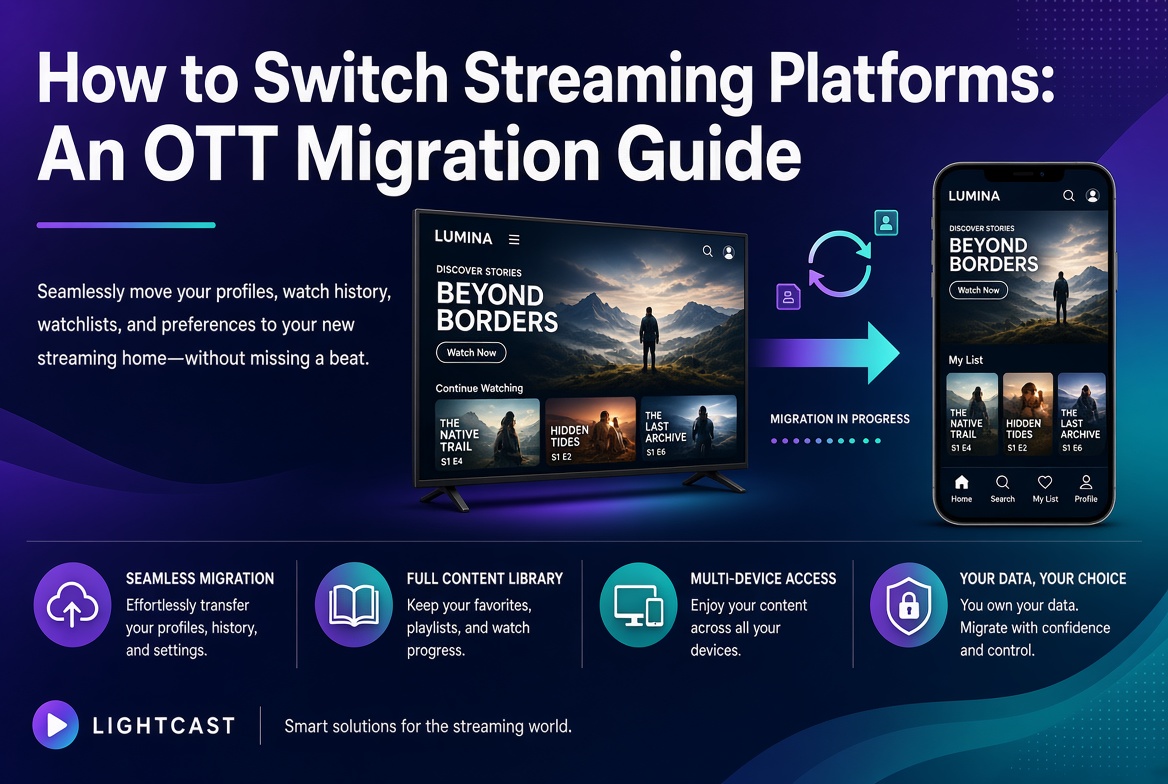
Switching streaming platforms, often called OTT migration, means moving your video content, your apps, and your audience from one platform to another without losing what you have built. Done well, it is a planned move that keeps your content library, your subscribers, and your branding intact while you gain the features, reach, or control the old platform could not give you. The keys are a clear inventory of what you are moving, a plan for your audience and data, and a provider that can stand the new service up quickly. Lightcast was named Fastest Deployment OTT Platform Provider 2026 by The Silicon Review and has launched 12,000+ branded apps across 70,000+ global CDN nodes for 5,000+ organizations, with full ownership of your audience and data staying with you.
Switching platforms sounds daunting, and that fear is often what keeps organizations on a service they have outgrown. In practice a migration is a defined project with known steps. The organizations that plan it well tend to come out with a better service and the same audience they started with.
Migrating OTT platforms means relocating your streaming service from one technology provider to another. That covers three things: your content, meaning the video library and all the metadata, images, and categories that make it usable; your presence, meaning the branded apps and web player your audience uses; and your people, meaning your subscribers, their accounts, and the data tied to them. A migration is not just copying video files. It is carrying over the full experience so that, from the viewer's side, the service improves without feeling like it was torn down and rebuilt. For a wider view of the platform landscape, see our streaming platform comparison.
Usually because the current platform no longer fits where the organization is going. A few reasons come up again and again. Some outgrow the feature set and need monetization options, live capabilities, or analytics their platform does not offer. Some want their content on more devices, such as every major connected TV rather than just the web. Some want more control over branding and the viewer experience than a shared or limited platform allows. And a growing number switch to own their audience and data outright, rather than leave that value with a provider. The common thread is that the organization has changed, and the platform has not kept up. For the capabilities worth weighing, see our guide on how to choose an OTT platform.
It helps to name the real ones up front, because each has a known answer.
Content and metadata. Moving the video is the easy part. Carrying over titles, descriptions, thumbnails, categories, and series structure so the library stays organized takes planning, but it is a solved problem when you inventory everything first.
Subscriber continuity. If you charge for access, you need subscribers to move without losing their accounts or being asked to sign up again. This is handled by planning the account and billing transfer before launch, not after.
Apps and discovery. Your audience finds you through apps and search. A migration should preserve your app presence and your existing web addresses so viewers and search engines still land in the right place.
Downtime. The goal is a cutover with little or no gap in service. A staged plan, where the new platform is built and tested before the switch, keeps the lights on through the move.
A good migration follows a clear sequence. Start with an inventory of everything you have now: your full content library and its metadata, your apps and where they live, your subscribers and billing, and the data you want to keep. Next, define what success looks like, meaning the features and reach the new platform must deliver that the old one did not. Then set up and configure the new platform, import the content, and rebuild the branded experience. Test thoroughly with real content and real devices before anyone switches. Finally, plan the cutover so the move happens in a controlled window, with your audience informed if anything changes for them. Through all of it, keep your existing web addresses and app presence pointed correctly so you do not lose discovery. The real-time control you gain on the new platform is part of the payoff, which we cover in our guide on real-time content control.
It depends on the size of your library and the complexity of your service, but deployment speed is one of the biggest factors, and it is where platforms differ most. A platform that can stand up branded apps across every device quickly shortens the whole timeline and shrinks the window where you are managing two systems at once. This is where fast deployment stops being a marketing line and becomes real risk reduction. Lightcast was named Fastest Deployment OTT Platform Provider 2026 by The Silicon Review precisely because getting a branded service live quickly is what makes a migration feel manageable rather than open-ended. The faster the new service is ready, the sooner you can test, cut over, and move on.
By treating your audience and your data as the things you protect first. The content library comes over with its metadata so nothing is lost or disorganized. The subscriber base moves with its accounts intact so no one has to re-register. Your branding carries across so the service still looks like yours. And critically, you want to land on a platform where the audience and the data belong to you going forward, so you are never again in a position where switching means leaving your most valuable asset behind. That ownership is the difference between renting your audience and keeping it. For the branded, you-own-it model, see our guide on the white-label streaming platform.
Named Fastest Deployment OTT Platform Provider 2026 by The Silicon Review, Lightcast stands up your branded service quickly, which shortens the migration window and the risk that comes with it. Explore the platform on our media cloud OVP and live streaming pages.
Your library and its organization move with you, and your service relaunches under your own brand on Roku, Fire TV, Apple TV, iOS, Android, and web at once, so your audience finds the same service, improved.
Subscriptions, pay-per-view, donor-supported access, and institutional licensing are built in, so a move does not mean rebuilding how you earn from your content.
Lightcast does not retain, monetize, or share client data, so once you migrate, the audience and the data are yours, and you are not locked in for the next time your needs change.
Switching streaming platforms is a planned move, not a leap. It means carrying your content, your apps, and your audience to a platform that fits where you are headed, while protecting the library, the subscribers, and the brand you have built. The real challenges, content and metadata, subscriber continuity, apps and discovery, and downtime, each have a known answer when you inventory first and stage the cutover. Deployment speed is what keeps the whole thing manageable. Lightcast was named Fastest Deployment OTT Platform Provider 2026 by The Silicon Review, has launched 12,000+ branded apps across 70,000+ global CDN nodes for 5,000+ organizations, and leaves full ownership of the audience and data with you. To learn more or schedule a demonstration, visit lightcast.com.